


Data centers are suddenly everywhere in the news. AI companies are pouring billions into new facilities. Tech giants are fighting over power contracts and buying up land near substations. Entire regions are debating whether to allow more construction because of the strain on local power grids.
But most people have never seen a data center or know what actually happens inside one.
Every app on your phone, every website you visit, every cloud service your company uses runs on physical hardware sitting in a building somewhere. That building is a data center. And understanding how they work explains a lot about why AI development costs so much, why your streaming service buffers sometimes, and why companies like Google and Microsoft keep acquiring land next to power plants.
A data center is essentially a facility designed to house servers, storage systems, and networking equipment in a controlled environment. The “controlled” part matters. These machines generate enormous amounts of heat and need constant power. A single interruption can take down services that millions of people rely on. Data centers are built with redundant power supplies, backup generators, sophisticated cooling systems, and layers of physical security that would make a bank vault look like a casual arrangement.
The scale varies wildly. Some data centers are small server rooms in office buildings. Others are massive campuses covering millions of square feet, packed with hundreds of thousands of servers. The largest ones consume more electricity than small cities.
Types of Data Centers
Not all data centers are built the same way or serve the same purpose. Some are private facilities owned by a single company. Others are shared spaces where dozens of businesses rent rack space side by side. The right setup depends on what an organization actually needs.
1. Enterprise Data Centers
An enterprise data center is owned and operated by a single organization for its own use. Banks, hospitals, and large tech companies often go this route because they want complete control over their infrastructure. They can customize everything from the security protocols to the hardware specs.
The downside is cost. Building and maintaining your own facility requires serious capital investment. You need land, power contracts, cooling infrastructure, and staff to keep it all running. For companies with strict compliance requirements or massive computing needs, the investment makes sense. For everyone else, there are better options.
2. Colocation Facilities
Colocation is the middle ground. A third-party provider owns the building and handles power, cooling, physical security, and internet connectivity. You bring your own servers and rent space in the facility, usually measured in racks or private cages.
This model works well for mid-sized companies that want enterprise-grade infrastructure without the cost of building it themselves. You get redundant power, 24/7 security, and high-speed connectivity that would be hard to replicate on your own. Your equipment sits in a locked cabinet, separate from other tenants, but you all share the benefits of a professionally managed facility.
Colocation centers often double as network hubs. Many of them have “meet-me rooms” where tenants can connect directly to cloud providers, ISPs, and each other without routing traffic through the public internet.
3. Hyperscale Data Centers
Hyperscale is where things get big. These are the massive facilities operated by companies like Google, Amazon, Microsoft, and Meta. A single hyperscale data center might contain hundreds of thousands of servers spread across millions of square feet.
What separates hyperscale from a large enterprise facility is the level of automation and standardization. These companies design their own server hardware in bulk, deploy software-defined networking to manage traffic, and use advanced cooling techniques like evaporative systems or even liquid cooling. Everything is optimized for efficiency at extreme scale.
Hyperscale providers also distribute their infrastructure globally. They operate multiple data centers across different continents, which provides redundancy and puts computing resources closer to end users. When you use Gmail or stream something on Netflix, your request is probably handled by whichever facility is nearest to you.
4. Cloud Data Centers
Cloud data centers power public cloud services like AWS, Azure, and Google Cloud. In many cases, these are the same hyperscale facilities mentioned above. The difference is in how the resources are delivered.
Instead of renting physical rack space, customers rent virtualized resources. You spin up a virtual machine, provision some storage, and pay for what you use. The cloud provider handles everything underneath, from hardware maintenance to power management. You never see the physical servers running your workloads.
This model offers flexibility that traditional setups can’t match. Need more capacity? Scale up in minutes. Demand dropped? Scale back down and stop paying for what you’re not using. The tradeoff is that you’re trusting a third party with your infrastructure and, in many cases, your data.
5. Edge Data Centers
Edge data centers are smaller facilities positioned closer to end users. Instead of routing everything back to a massive central hub, edge sites handle processing locally to reduce latency.
This matters for applications where milliseconds count. Streaming services use edge locations to cache popular content closer to viewers. Gaming companies use them to minimize lag. Autonomous vehicles and IoT devices need edge computing to make split-second decisions without waiting for data to travel hundreds of miles to a central data center and back.
An edge facility might only have a few racks of servers, but placed strategically across dozens of cities, they can dramatically improve performance for latency-sensitive workloads. As 5G rolls out and real-time applications become more common, edge data centers are becoming an increasingly important piece of the infrastructure puzzle.
What’s Inside a Data Center
Servers are the workhorses. High-performance computers are mounted in rack cabinets, often stacked dozens high to save floor space. A large data center might have thousands of them. Alongside the servers sit storage systems, hard drives, solid-state drives, and sometimes tape libraries that hold the actual data.
All of this hardware needs to communicate, which is where networking equipment comes in. Switches, routers, and firewalls connected by miles of copper and fiber-optic cabling. The internal network handles traffic between servers. External connections handle traffic to users and other facilities. Hyperscale data centers need bandwidth measured in terabits per second.
Power is non-negotiable. A brief outage can crash servers and corrupt data. Most facilities have multiple utility feeds, battery-powered UPS systems for instant failover, and diesel generators that kick in within seconds if the grid goes down.
Then there’s cooling. Servers generate enormous amounts of heat. Most data centers use computer room air conditioning units and arrange racks in hot aisle / cold aisle configurations to manage airflow. High-density GPU clusters for AI workloads are pushing facilities toward liquid cooling, where coolant flows directly to processors or servers are submerged in non-conductive fluid.
Data centers also manage humidity (too much causes corrosion, too little creates static), air quality, and fire suppression. Clean-agent systems can extinguish fires without damaging equipment. Water-based sprinklers are avoided for obvious reasons.
Keeping Everything Running
A data center isn’t something you build and forget about.
Every component has a lifespan, a maintenance schedule, and a failure mode. UPS batteries degrade. HVAC filters clog. Generators need regular testing and fuel. Miss a maintenance window, and you risk an outage that could have been prevented.
Facilities teams track thousands of individual components across the building — servers, PDUs, cooling units, fire suppression systems, backup generators, and even the cabling. Most operations use enterprise asset management software to schedule preventive maintenance, manage spare parts inventory, and assign technicians when something needs attention. When a cooling unit fails at 2am, you need the replacement part already on-site and someone dispatched within minutes.
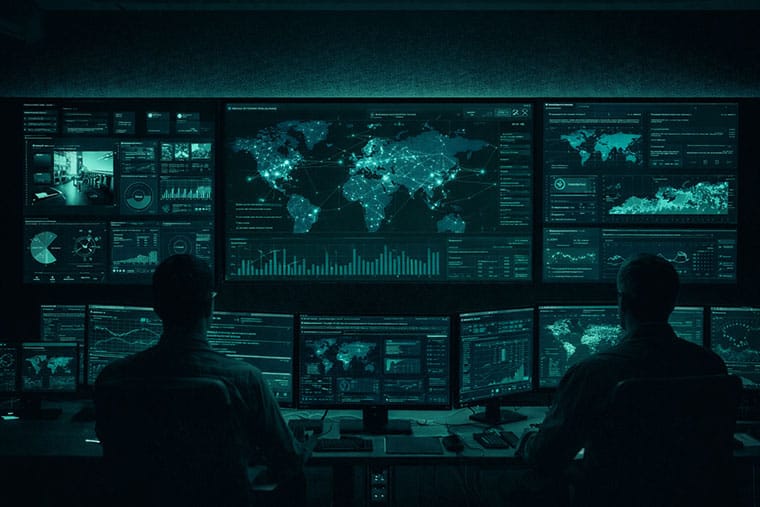
Operators monitor everything in real time. Power loads, cooling efficiency, network traffic, and humidity levels. When something drifts out of spec, automated alerts notify staff immediately. A server running hot might indicate a failing fan. A sudden increase in power draw could indicate a hardware issue. Larger facilities have dedicated Network Operations Centers staffed around the clock.
Uptime Tiers
The Uptime Institute uses a four-tier system to classify data center redundancy.
- Tier I offers basic infrastructure with around 99.671% uptime — nearly 29 hours of potential downtime per year.
- Tier II adds redundant power and cooling.
- Tier III means any component can be taken offline for service without affecting operations (99.982% uptime).
- Tier IV is fully fault-tolerant, with multiple independent systems running simultaneously (99.995% uptime).
Most enterprise and colocation facilities target Tier III or higher.
Data Center Security
Data centers store valuable assets. Customer data, financial records, proprietary systems. A breach can shut down operations and destroy trust.
Physical security starts at the perimeter. The buildings often have windowless walls and reinforced construction. Getting to the server floor requires passing through multiple checkpoints with badge readers, PIN codes, biometric scanners, and mantraps. Security guards monitor 24/7. Every entry is logged. Even within the building, access is segmented so technicians can only reach areas they’re authorized for.
Network security is equally important. Firewalls filter traffic at the edge. Intrusion detection systems monitor for suspicious activity. Networks are segmented so breaches can’t spread. Encryption protects data at rest and in transit. Access requires multi-factor authentication through secured VPN connections.
The Energy Problem
Data centers account for roughly 1.5% of global electricity consumption. That number is climbing fast as AI workloads accelerate demand.
The industry measures efficiency using Power Usage Effectiveness (PUE) — the ratio of total facility power to IT equipment power. A PUE of 2.0 means half your electricity goes to cooling and overhead. A decade ago, average PUE was around 2.5. Today, well-run facilities achieve 1.5 or lower. The best hyperscale centers push below 1.1.
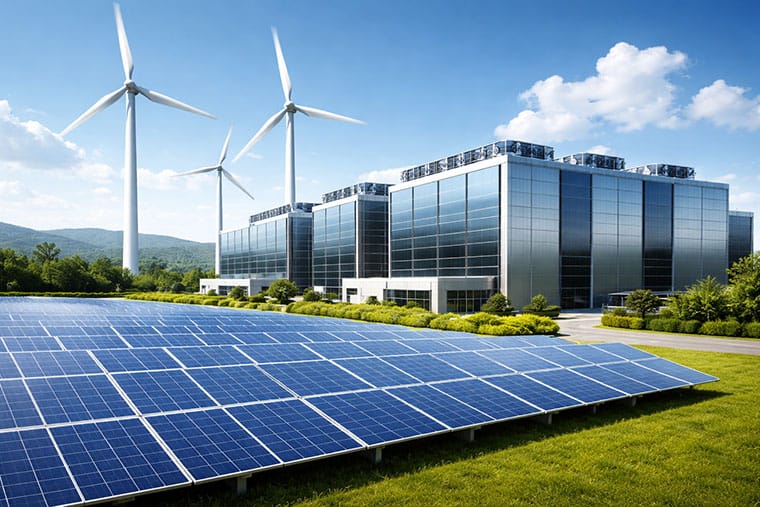
Cooling innovation is driving much of this improvement. Hot aisle / cold aisle containment, free cooling with outside air, and liquid cooling for high-density deployments. On the power side, Google, Microsoft, and Amazon have committed to 100% renewable energy. Microsoft recently signed a deal with the restarted Three Mile Island nuclear plant. New facilities are increasingly built near hydroelectric, geothermal, or solar resources — Iceland and the Nordic countries have become popular locations.
Conclusion
Every email, video stream, and cloud application runs on hardware inside a data center somewhere. Most people never think about where their data lives.
When your cloud costs spike, there’s physical infrastructure behind that bill. When a service goes down, it’s usually something mundane like a failed power supply or cooling malfunction. And when companies talk about “the cloud,” they’re really talking about someone else’s data center.




Best Linux Distros for Developers and Programmers as of 2025
Linux might not be the preferred operating system of most regular users, but it’s definitely the go-to choice for the majority of developers and programmers. While other operating systems can also get the job done pretty well, Linux is a more specialized OS that was…

How to Install Pip on Ubuntu Linux
If you are a fan of using Python programming language, you can make your life easier by using Python Pip. It is a package management utility that allows you to install and manage Python software packages easily. Ubuntu doesn’t come with pre-installed Pip, but here…