


Top-Rated Free Steam Games for Linux You Should Try
The fact that you are a Linux user shouldn’t stop you from playing great games. Fortunately, the developers share the same opinion, which is why many of these fantastic titles are optimized for any Linux based distro. As the biggest gaming storefront out there, it...
How to Install Ubuntu Linux on Chromebook
If you are a fan of tech gadgets, you probably heard of Chromebook products. These portable devices are a great choice for all businessman and individual users looking for a reliable machine with a stable operating system. The interesting thing to mention is that the...
Linux Mint VS Ubuntu – An Age Old Debate Translated to Linux
It is not easy to pick your first Linux distro. You are probably not an expert, which means you need a beginner-friendly operating system. Although that does narrow your choice, you still have several great options. If your selection has come down to deciding the...
How to Install Sublime Text on Ubuntu Linux
Text editors and office suite applications are two completely different things. While Libre Office or Microsoft Office can help you create amazing business documents, if you want to edit source code or lines of pure text, a simple text editor is the best solution. In...
A Detailed Guide on How to Install Chrome on Ubuntu Linux
Ubuntu uses Mozilla Firefox as the default web browser. And while there is nothing wrong with that choice, you may prefer to use Google Chrome. It is one of the most leading web browsers currently, if not the most leading. It offers high speeds, security,...
How to Tell Docker to Remove All Images
If you are reading this guide, the chances are that you know what docker does, but a reminder couldn’t hurt. It enables building, testing, and deploying apps as self-sufficient and portable containers that you can run anywhere. The thing is that you have to order...
What You Need to Know about the Bash Function
One of the available functions in a Linux-based operating system is the bash function. In its essence, this function is a chain of commands a user can call multiple times. Although it does come with certain limitations, bash can also improve the readability of your...
How to Use Linux Screen
Tell us if this sounds familiar – you lose connection in the middle of a complicated task you are performing on a remote server. That means you have wasted hours of work, and you don’t want that to happen. When it comes to helpful Linux...
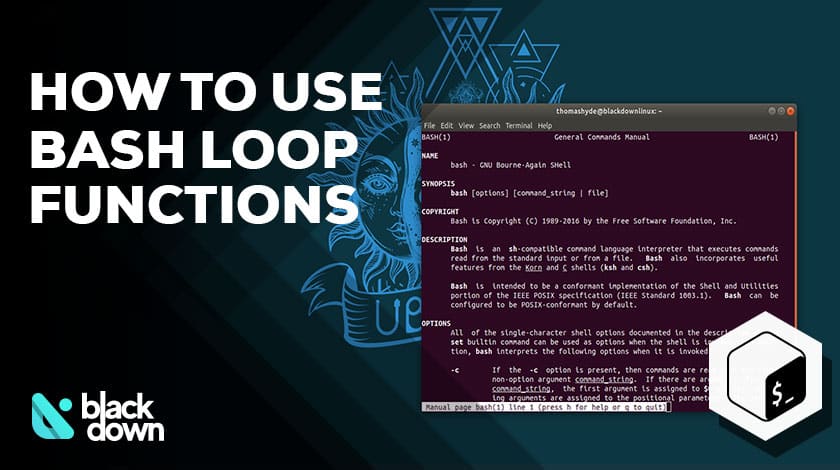
A Detailed Guide on the Bash for Loop Functions and Commands
Whether you are a programming beginner or an experienced developer, you will agree with us on one thing – loops are among the basic concepts of many languages used in programming. Do you need to repeatedly execute a line of commands until you meet a...
A Beginner’s Friendly Review of CentOS Linux
Have you heard of Red Hat Linux? It is a branded version of the Linux operating system that is hugely reputable among experts and users. CentOS is an open-source version of the RH Linux that is equally stable and secure. Let’s take an in-depth look...
Linux Mint 19 – A Beginner’s Friendly Review
Linux Mint is one of the most popular distributions of the Linux operating systems out there. It is right there at the top along with the Ubuntu. The reason why it is so high is that it is quite suitable for beginners and an excellent...
Linux Tails Review: Stay Safe and Anonymous Online
You can’t be too worried about the safety of your sensitive personal data online. We are living in an age when hacker attacks are a regular occurrence, and you need to do everything in your power to stay safe online. Using the Linux Tails operating...


Best Linux Distros for Developers and Programmers as of 2025
Linux might not be the preferred operating system of most regular users, but it’s definitely the go-to choice for the majority of developers and programmers. While other operating systems can also get the job done pretty well, Linux is a more specialized OS that was...

How to Install Pip on Ubuntu Linux
If you are a fan of using Python programming language, you can make your life easier by using Python Pip. It is a package management utility that allows you to install and manage Python software packages easily. Ubuntu doesn’t come with pre-installed Pip, but here...